
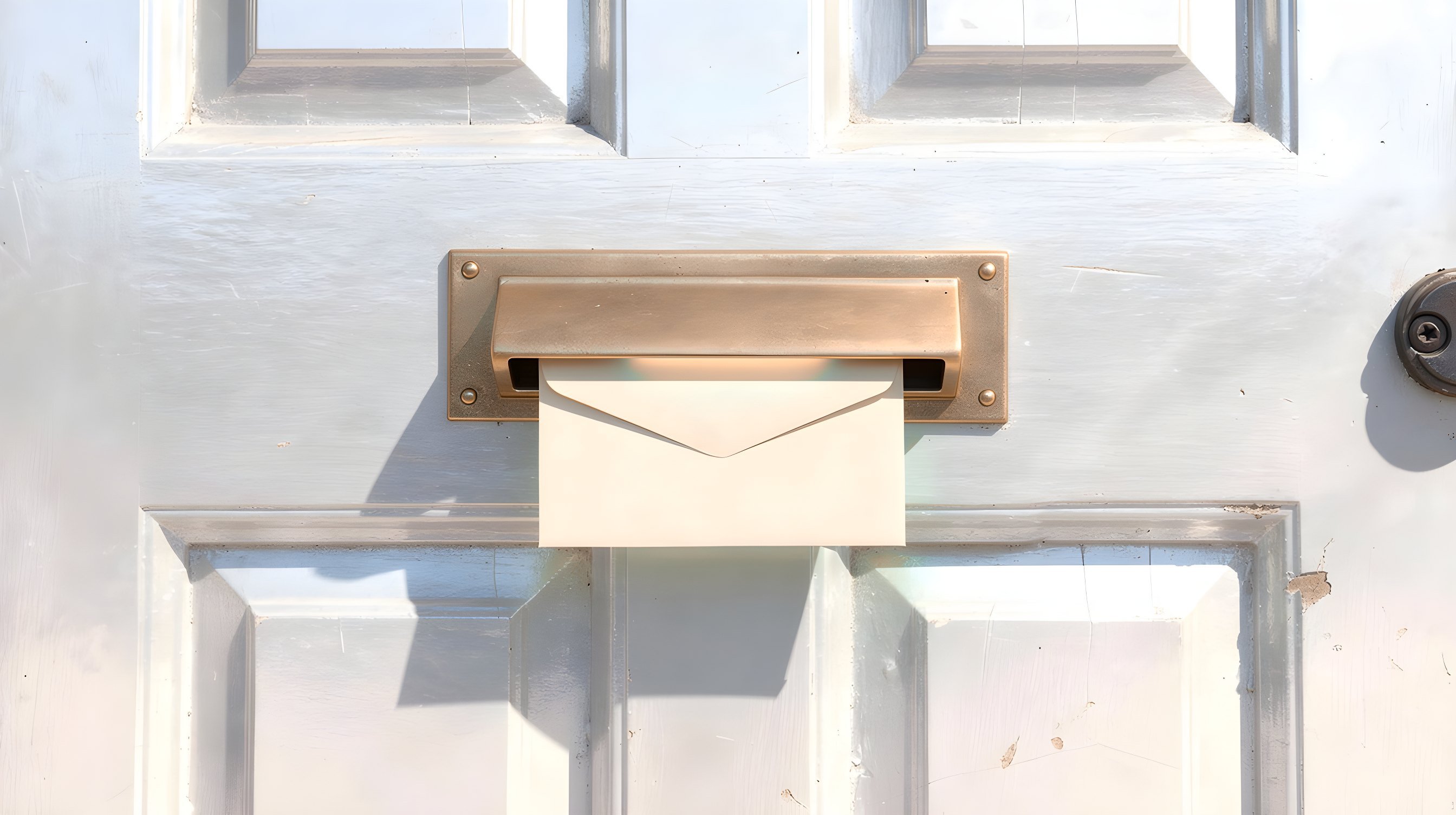
An inbox that stays out of your way.
The web client is a thin view over Courier's own database. It lists conversations, opens them, and files them away. It never contacts a mail provider.
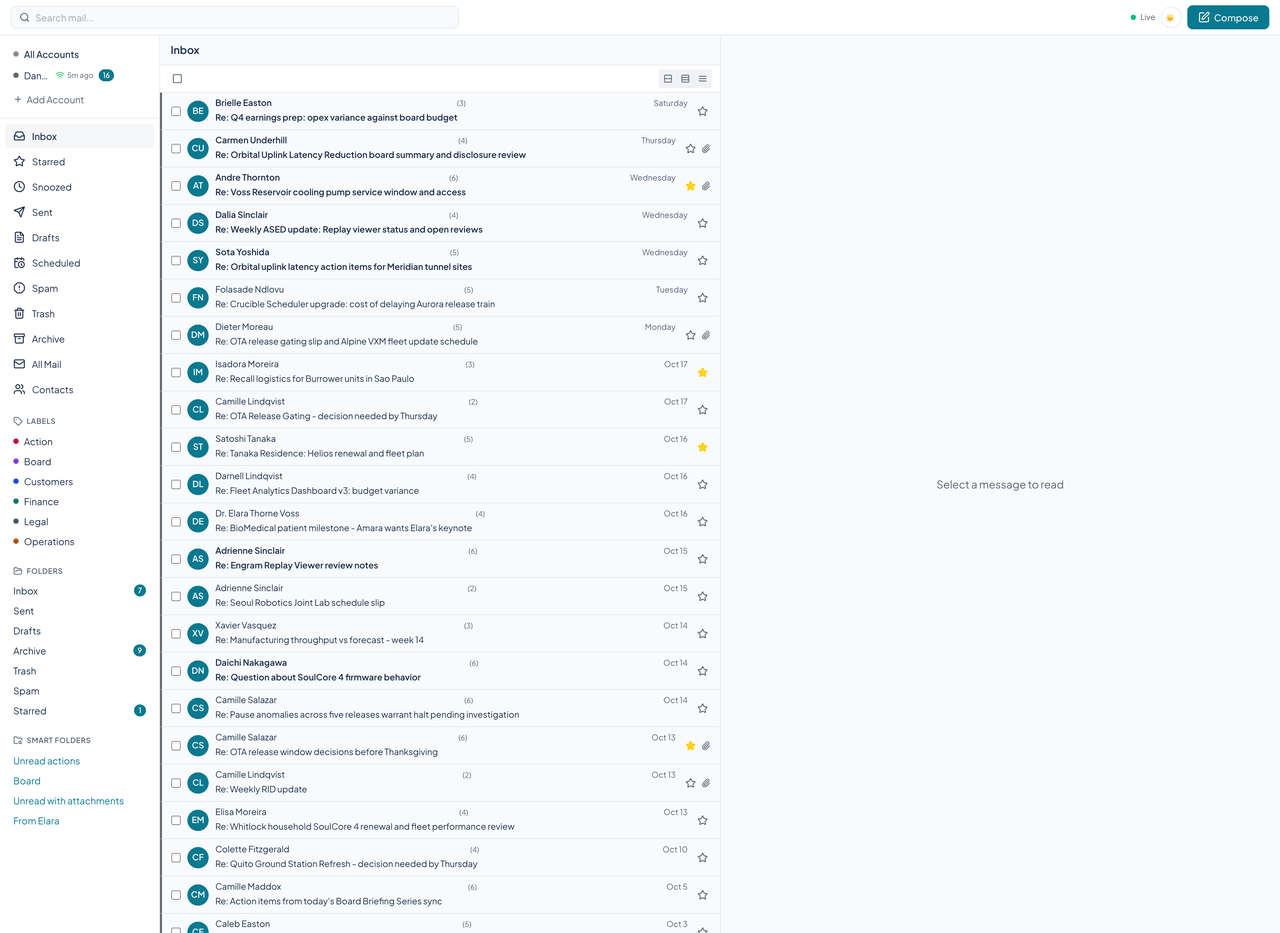
Ten views, one account or all
The sidebar lists Inbox, Starred, Snoozed, Sent, Drafts, Scheduled, Spam, Trash, Archive, and All Mail. Pick one account to see only its mail, or All Accounts for a single unified inbox. The header shows Live when the stream of server events is connected, and each account shows when it last synced.
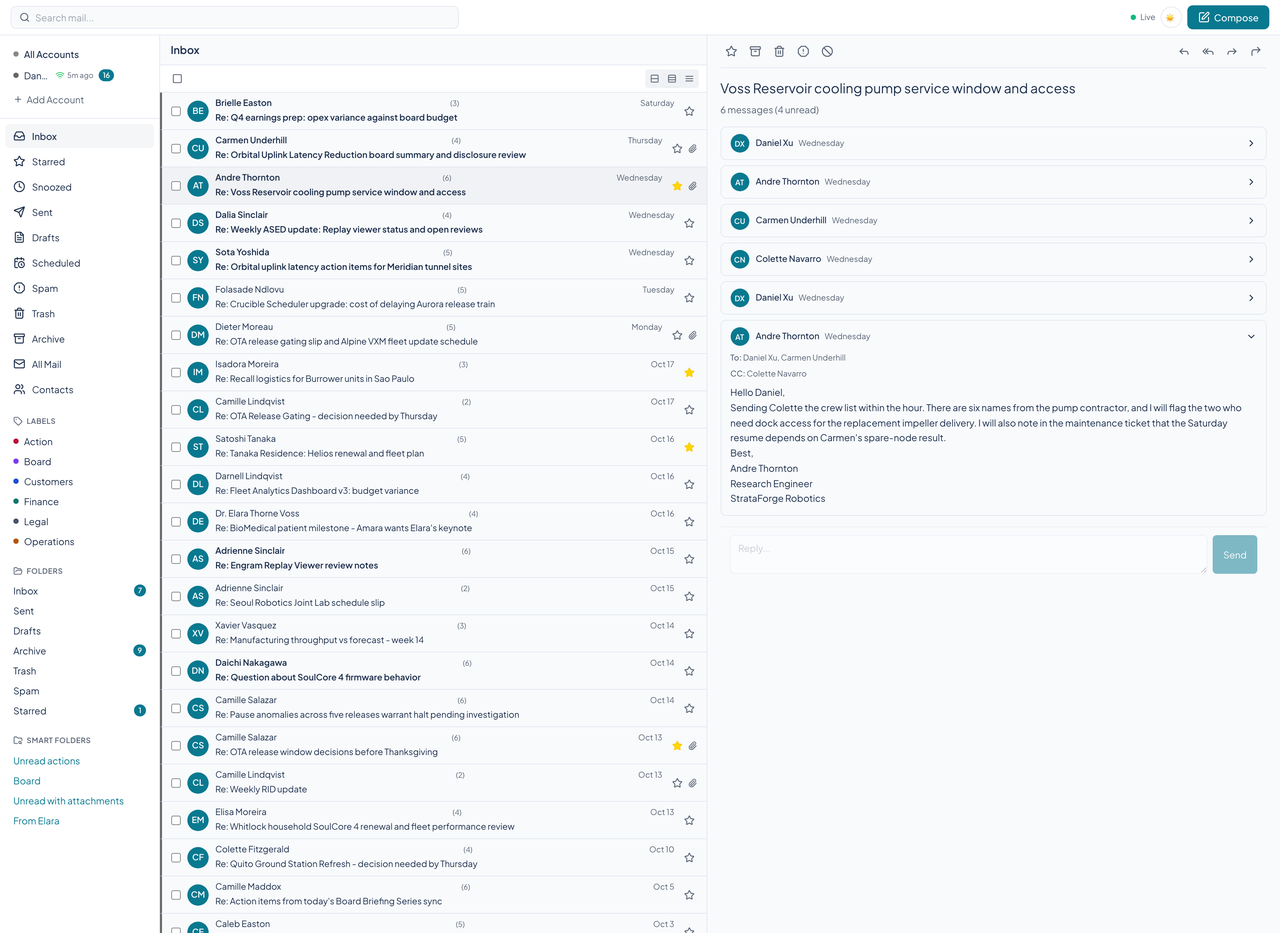
Conversations, folded
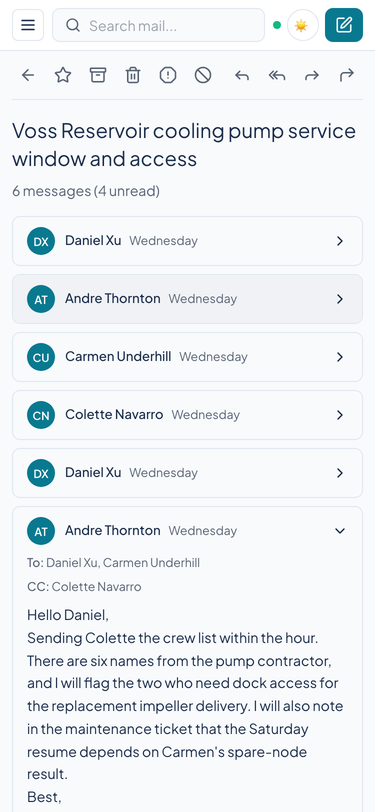
A thread opens in the reading pane with earlier messages folded to a single line and the newest message open. Quoted text collapses, attachments show as chips, and the list shows how many messages a conversation holds.
Courier also looks at who a message came from. When an address is a close lookalike of a name you know, or its authentication results fail, the message carries a warning.
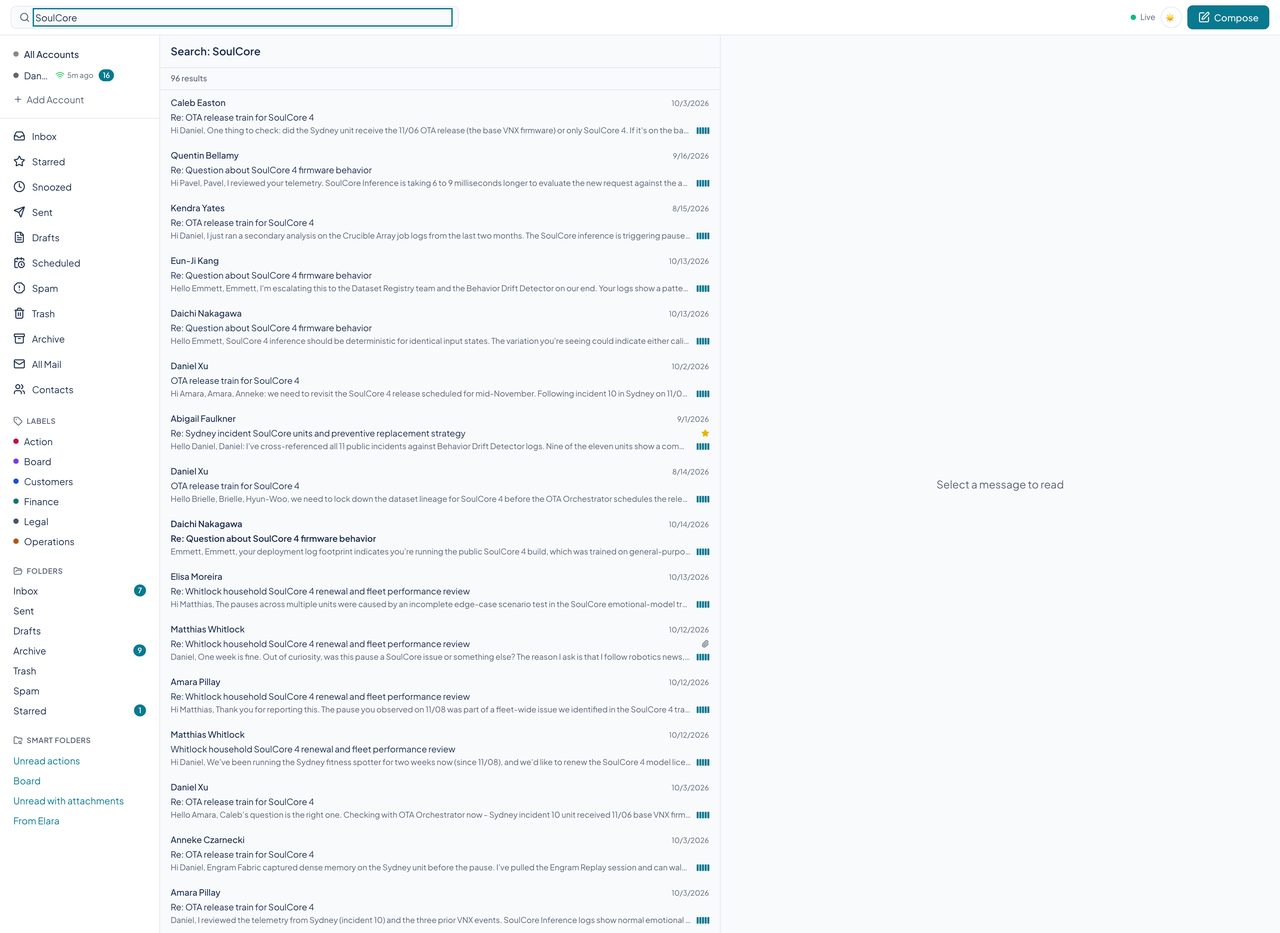
Labels and smart folders
Labels have a color and can nest, and a message can carry several. They list in the sidebar with the folders.
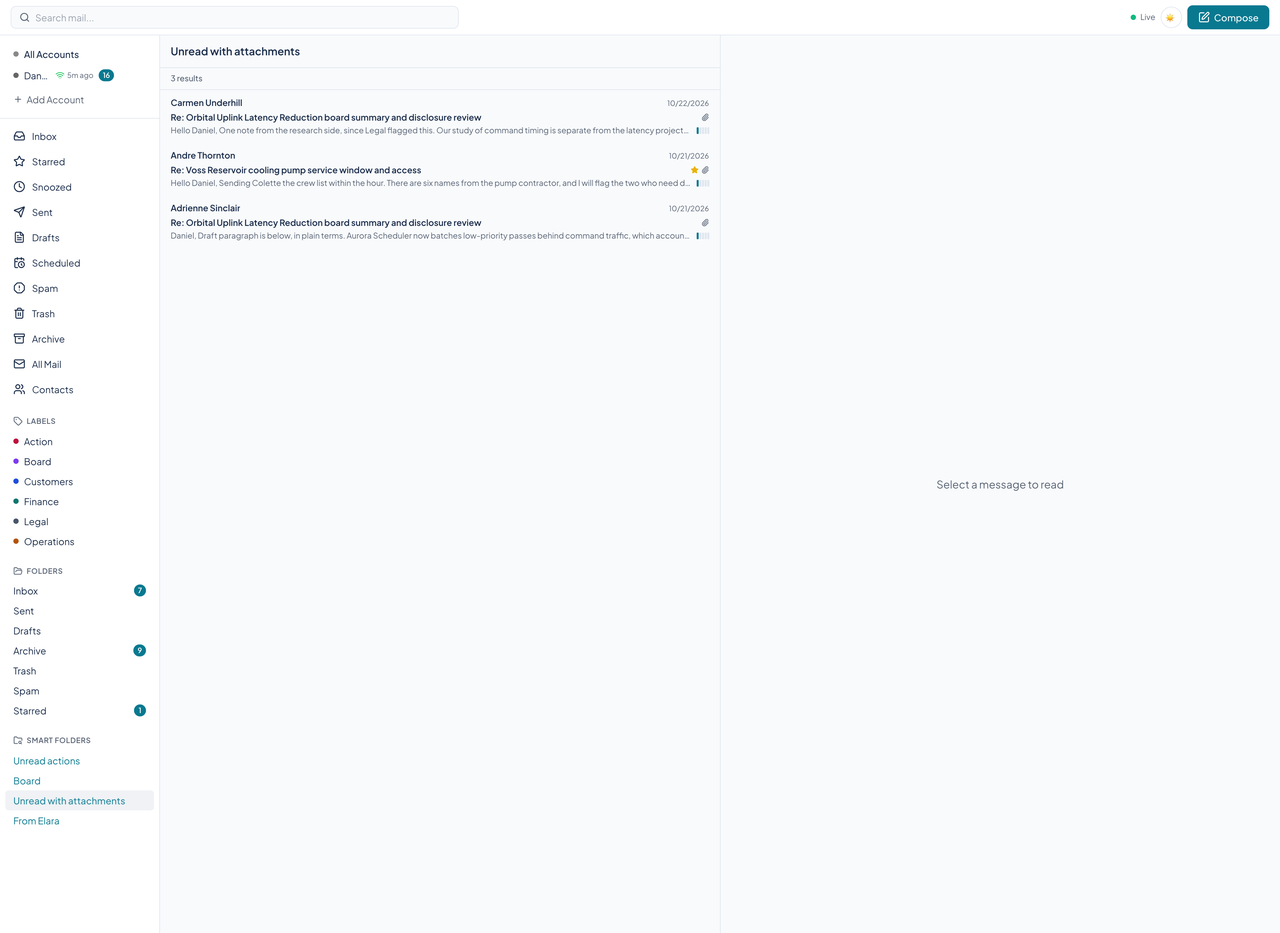
Smart folders are saved searches that behave like folders and fill themselves, such as unread mail with attachments or everything from one person. Search has twelve operators: from, to, subject, has, filename, in, is, before, after, larger, smaller, and label, joined with AND, OR, and NOT. The search box in the header runs the same search and lists the matches, and a smart folder in the sidebar opens to its own list. New smart folders are created through the API or an agent.
Starred, snoozed, drafts, sent
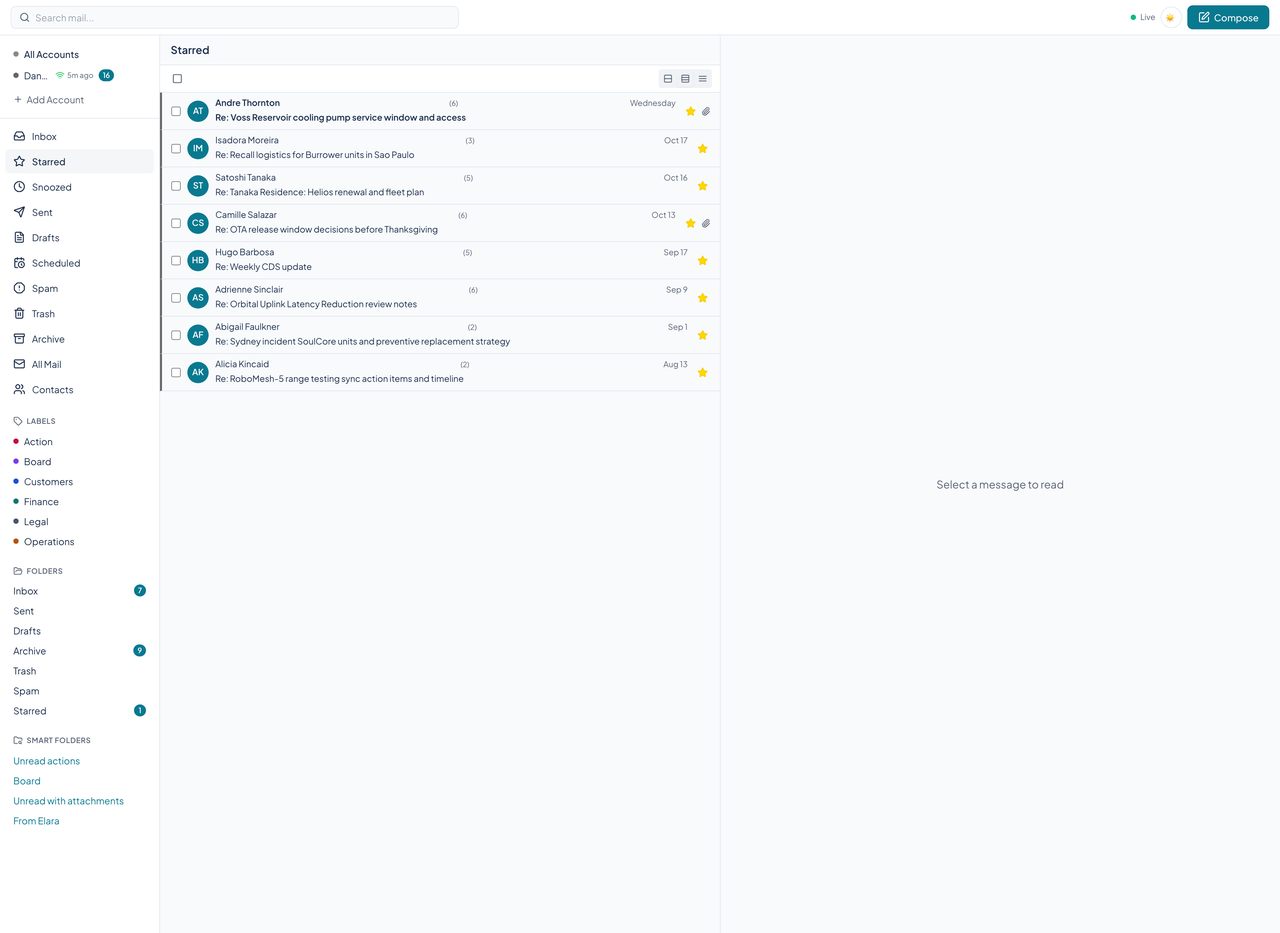
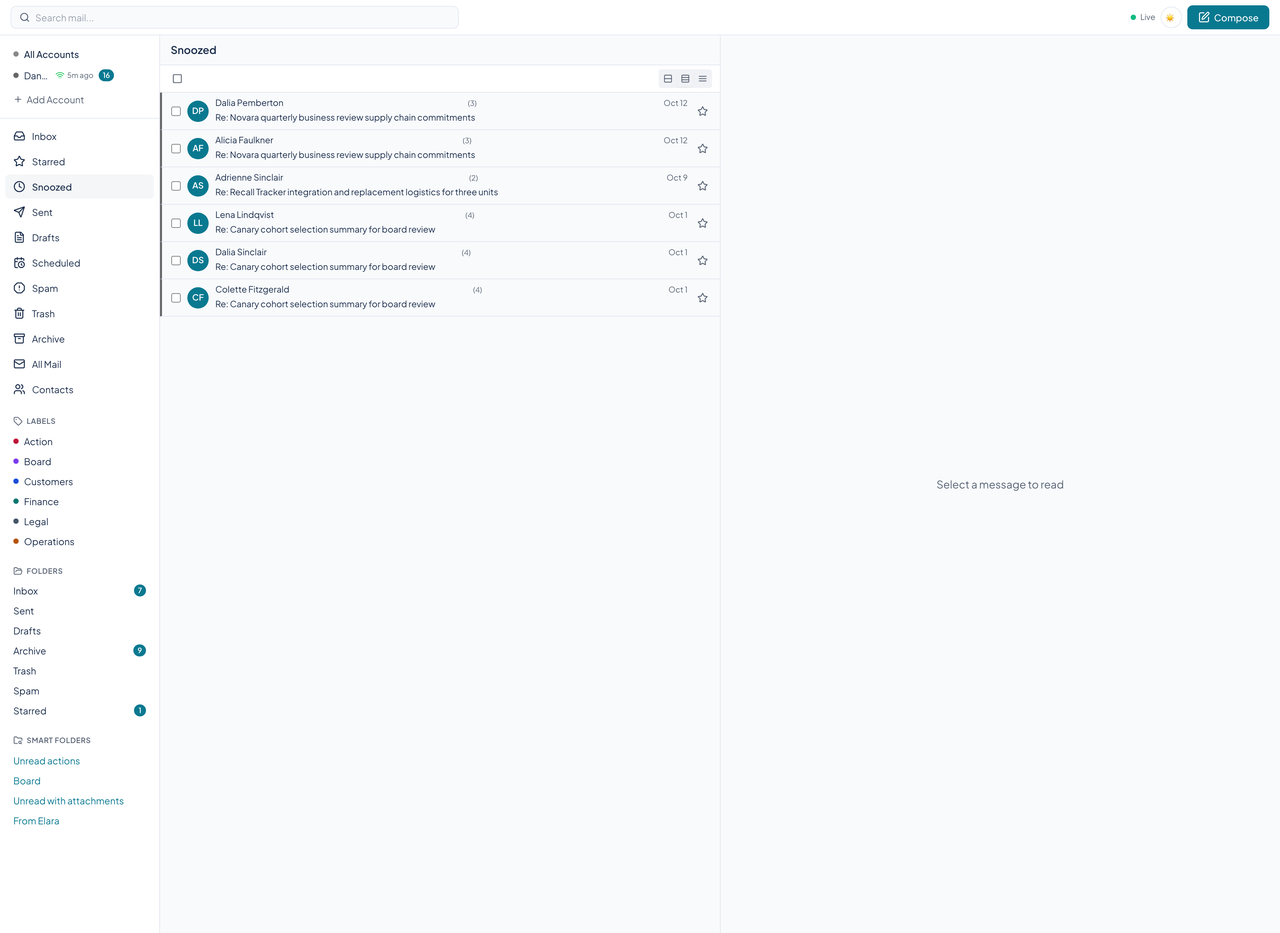
Starred collects the messages you flagged. Snoozed holds conversations set aside until a later time, and the server brings them back when it comes. Sent and Drafts list what you wrote.
Batch actions and density
Tick a few rows and act on them together: archive, trash, star, mark read or unread, label, or move to a folder. The API offers fifteen batch actions in all, snooze among them.
Three density modes trade space for rows: comfortable, default, and compact. The list is virtualized, so a long inbox scrolls without slowing down.
On a phone
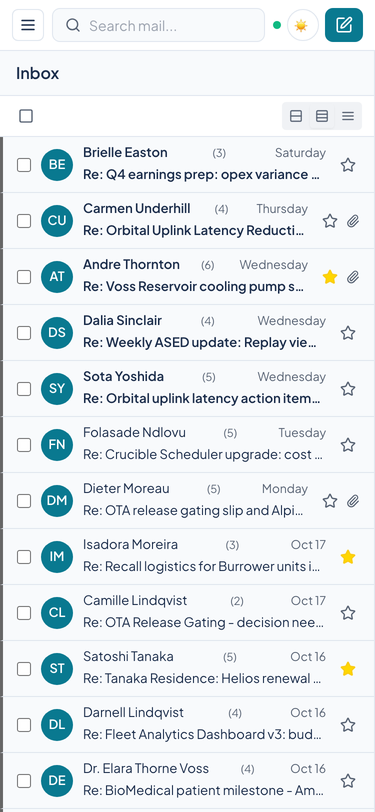
Below 768 pixels wide the sidebar folds into a menu drawer, the list fills the screen, and opening a conversation replaces the list with the reading pane and a back button. No page scrolls sideways at 375 pixels.
Blocked and allowed senders
A blocked sender never reaches the inbox, because the list is checked while mail is synced rather than after it arrives. An allow list overrides a block. The Blocked and Allowed tab in Settings manages both.
From the keyboard
Go-to keys work from anywhere: press G and then I for the inbox, S for starred, D for drafts, T for trash, A for archive, P for spam, or R for rules. The question mark opens a sheet of shortcuts.
Questions about this tool?
Write to Renkara Media Group and a person will answer.