
Write in Markdown. Send clean HTML.
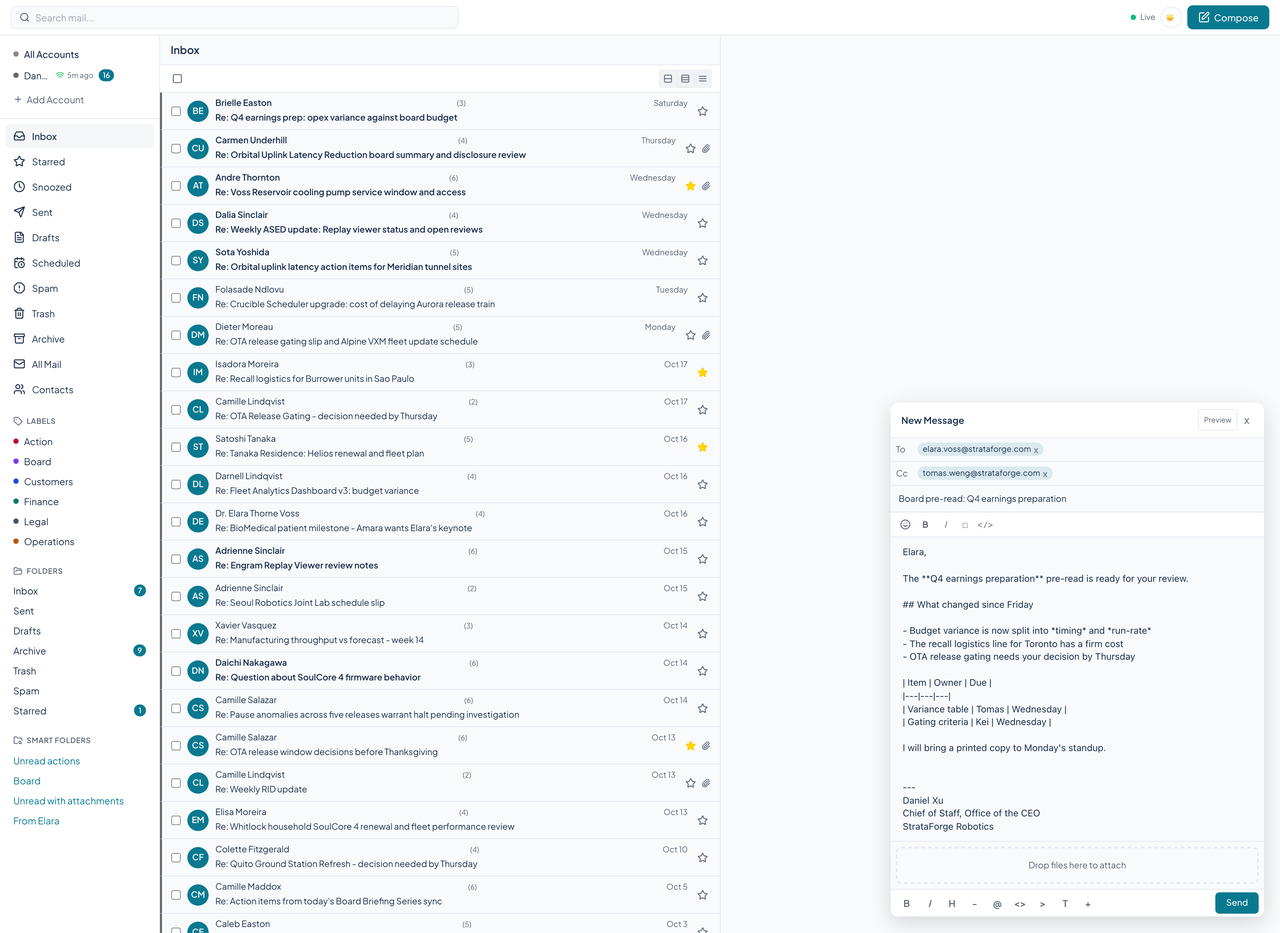
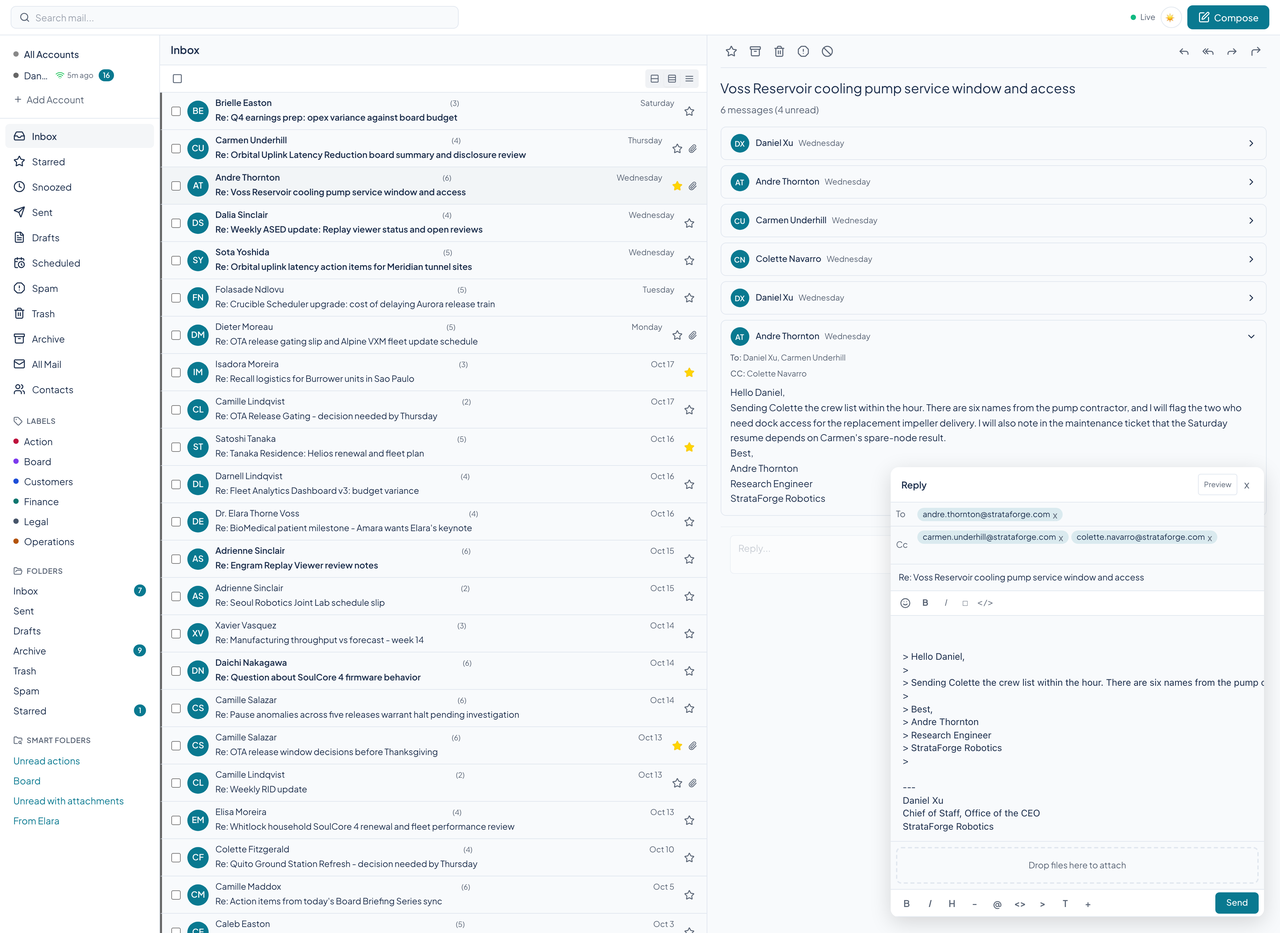
Courier's composer is a Markdown editor, not a rich-text box. The server turns what you write into tidy HTML when the message goes out. Reply, reply all, and forward open the same window, filled in from the message you answer.

The composer
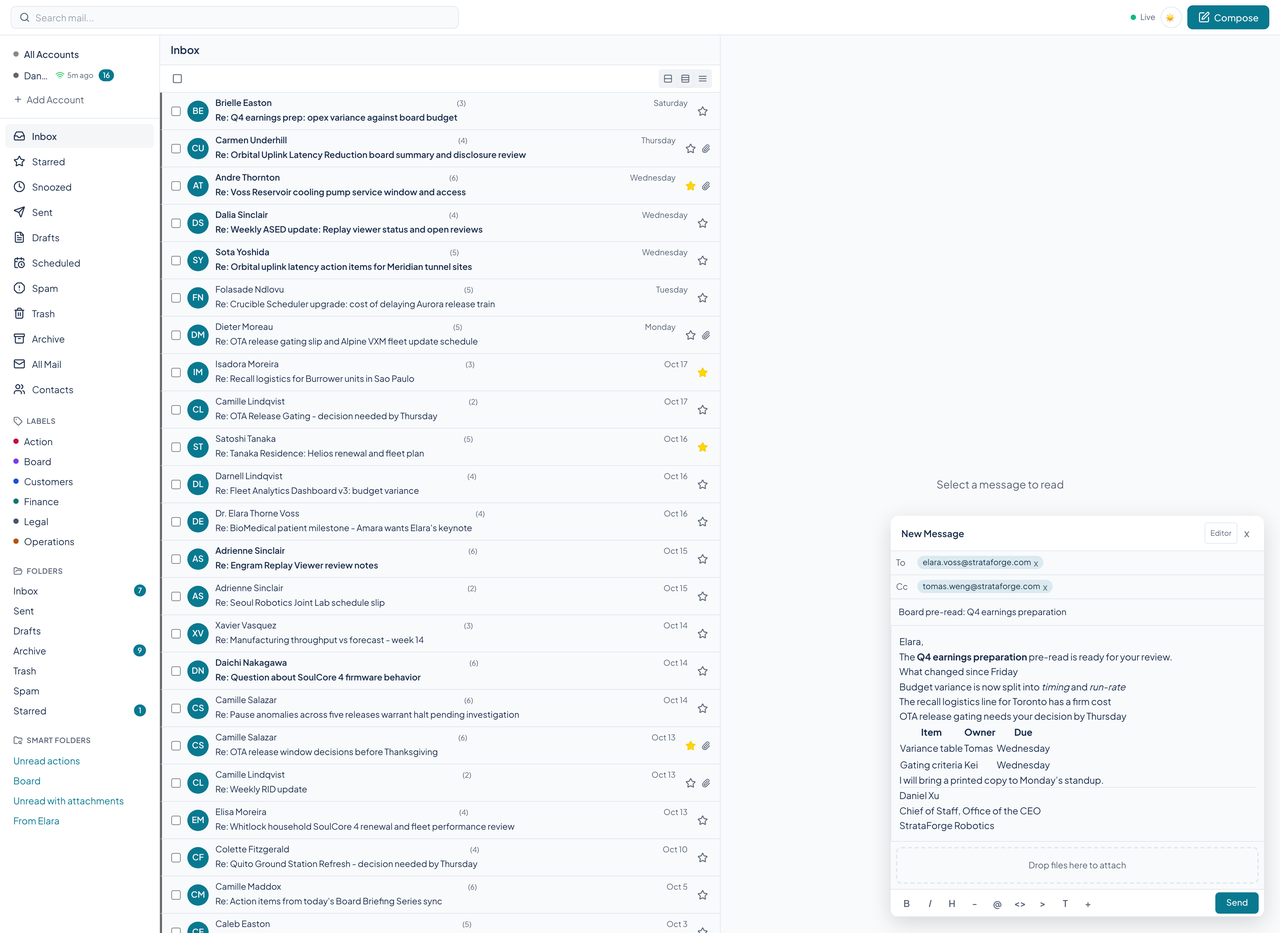
Compose opens a window with To, Cc, Bcc, a subject, and a CodeMirror editor. A toolbar inserts bold, italic, headings, lists, links, code, quotes, and tables. A button flips the editor to a rendered preview so you can see the message the way a reader will.
Your default signature is added below a rule, in Markdown like the rest of the message, and files can be dropped onto the window to attach them when attachment storage is configured.
What happens when it sends
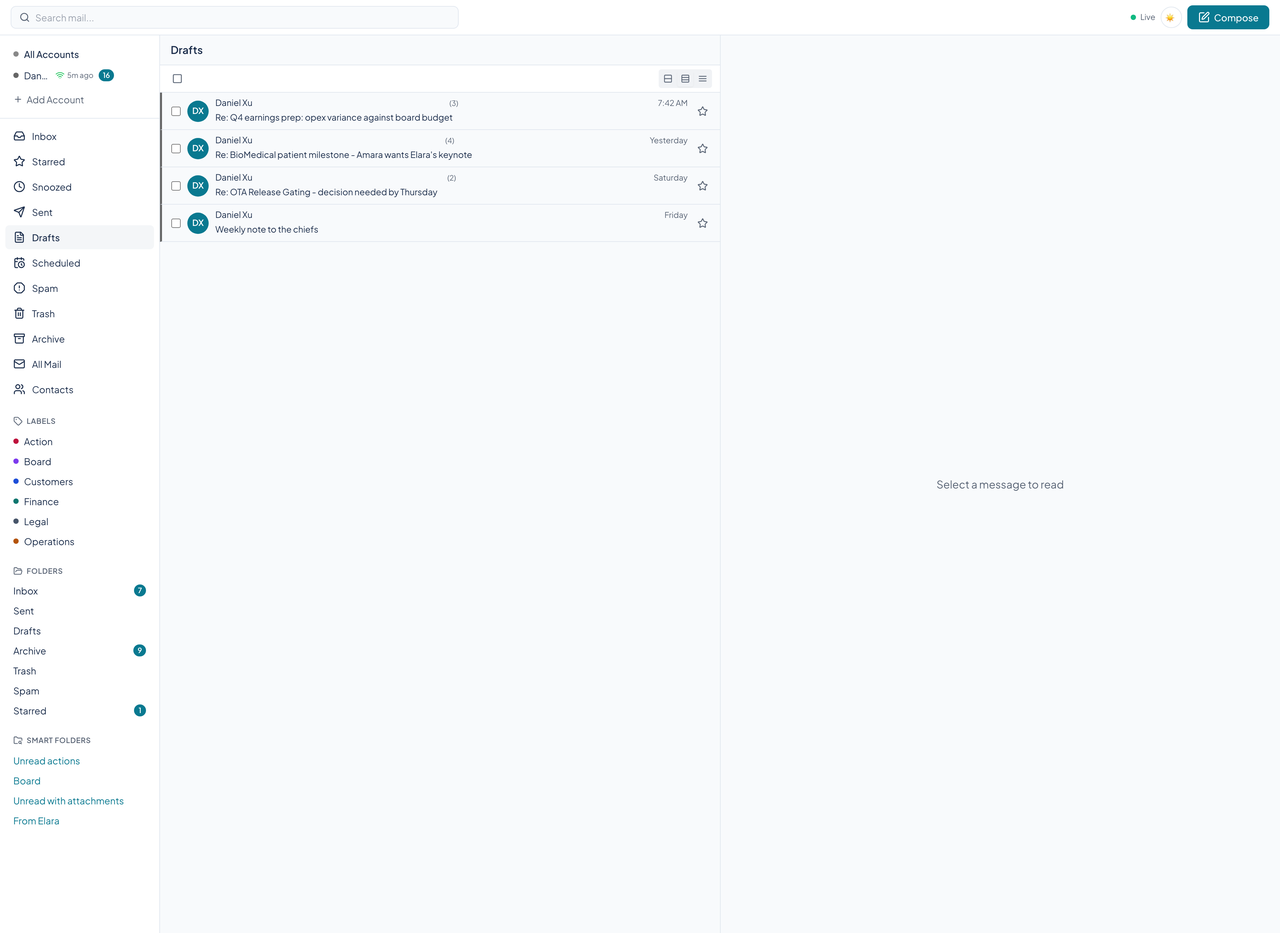
On send, the server renders the Markdown to HTML, builds a message with plain-text and HTML versions, and delivers it through your own provider. The Send button works for a new message, a reply, a reply all, and a forward. Reply all addresses everyone on the message except you, and a forward carries the original below what you write.
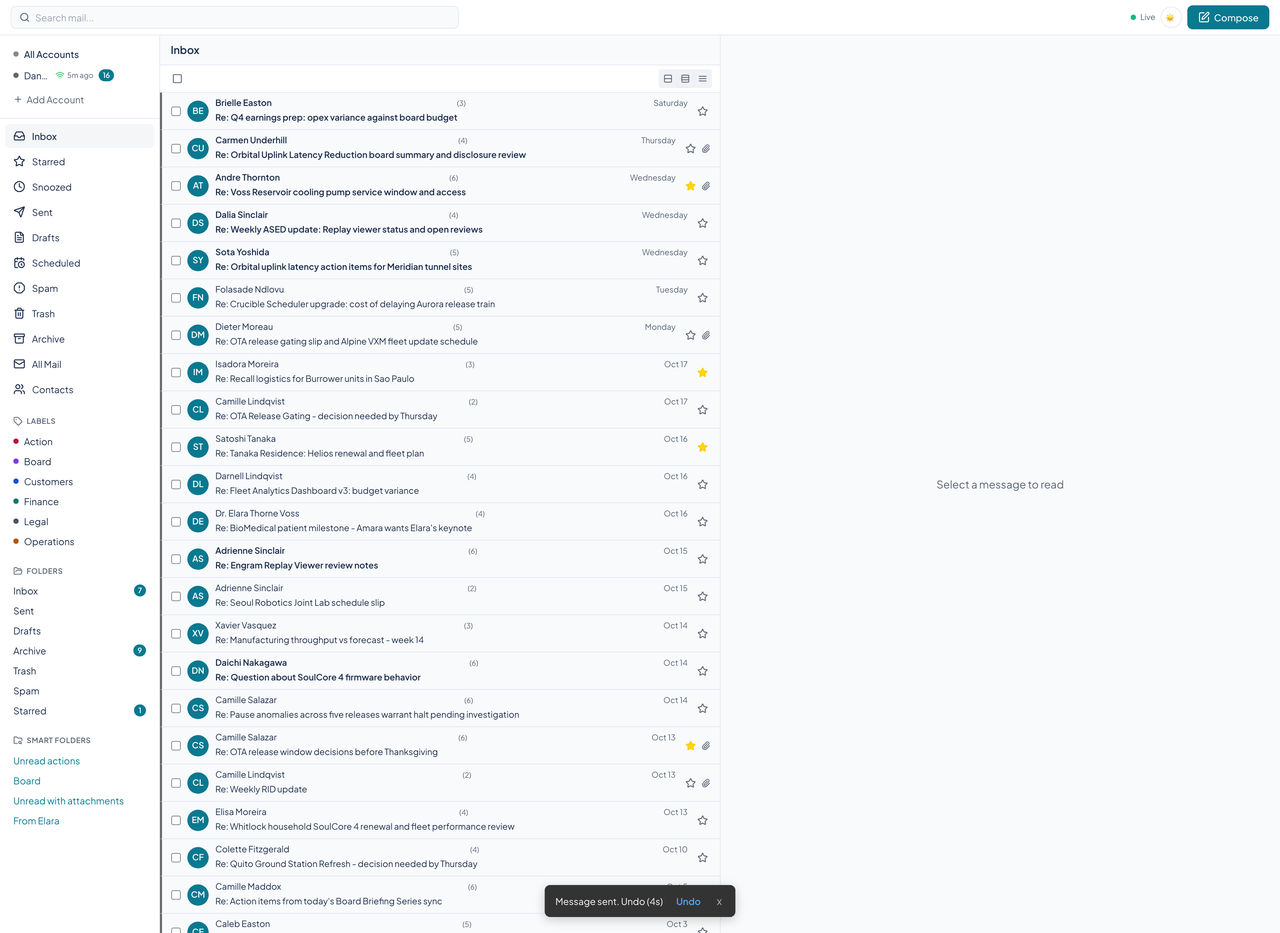
The server holds each send for a short undo window. A toast reads "Message sent. Undo" with a countdown, and choosing Undo cancels the send and reopens the message so you can keep editing.
Send later, snooze, and undo
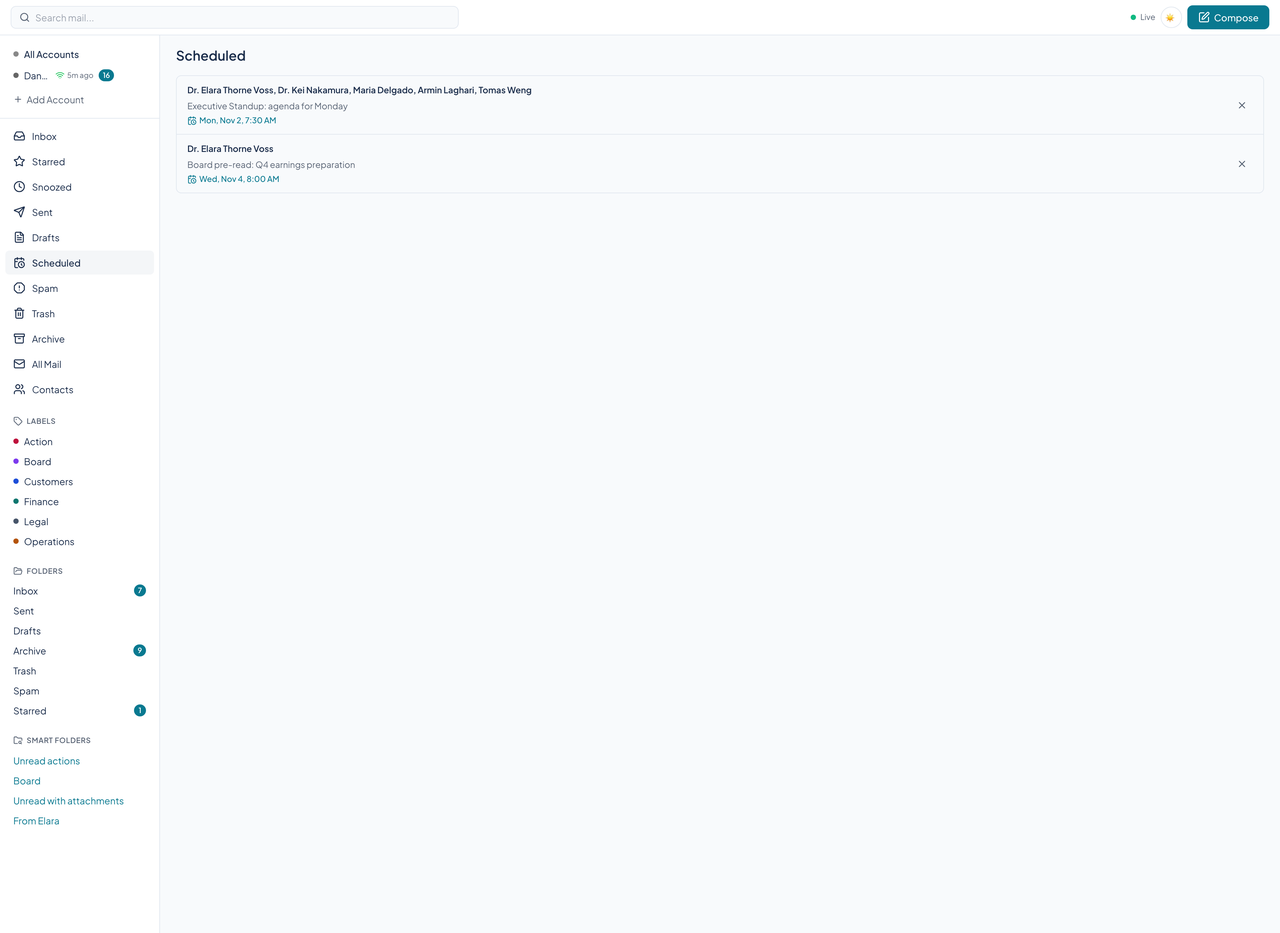
The server holds a scheduled message until its time and then sends it, wakes a snoozed conversation when its time comes, and keeps a send in an undo window so it can be canceled. The web client lists what is waiting on the Scheduled and Snoozed pages.
Those times are set through the API and the agent tools.
Signatures and identities
A signature can belong to one account or to all of them, and one is the default. An identity ties an address and display name to an account and a signature. Both are managed through the API and the agent tools.
Questions about this tool?
Write to Renkara Media Group and a person will answer.